Using the dashboardEvent Investigation
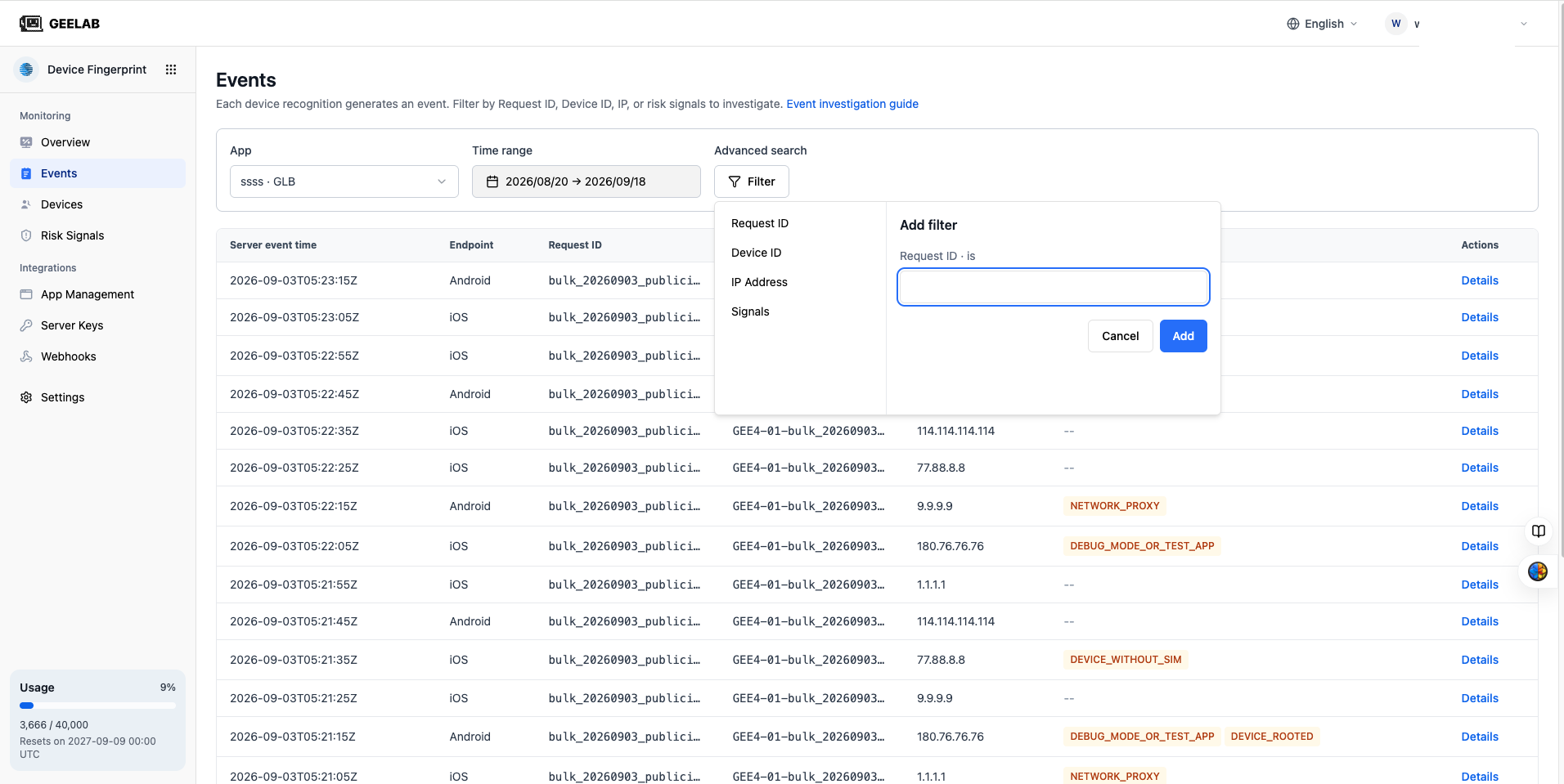
Combine filter conditions
There is an AND relationship between different fields. After adding multiple fields, the event must meet all conditions at the same time.
For example:
Application = Main Storefront · EU
AND Device ID = dev_A
AND Signal = EMULATOR
This finds the dev_A device in the Main Storefront EU application whose event hit the emulator signal.
When multiple signals are selected within the same signal condition, there is an OR relationship: hitting any signal will return.
Signal = EMULATOR OR IP_PROXYThis means returning events that hit the emulator or IP proxy.
You can view the conditions that have taken effect in the filter area:
- Click the condition content to modify the filter value.
- Click
×, remove a condition. - Click Clear to remove all advanced filters.