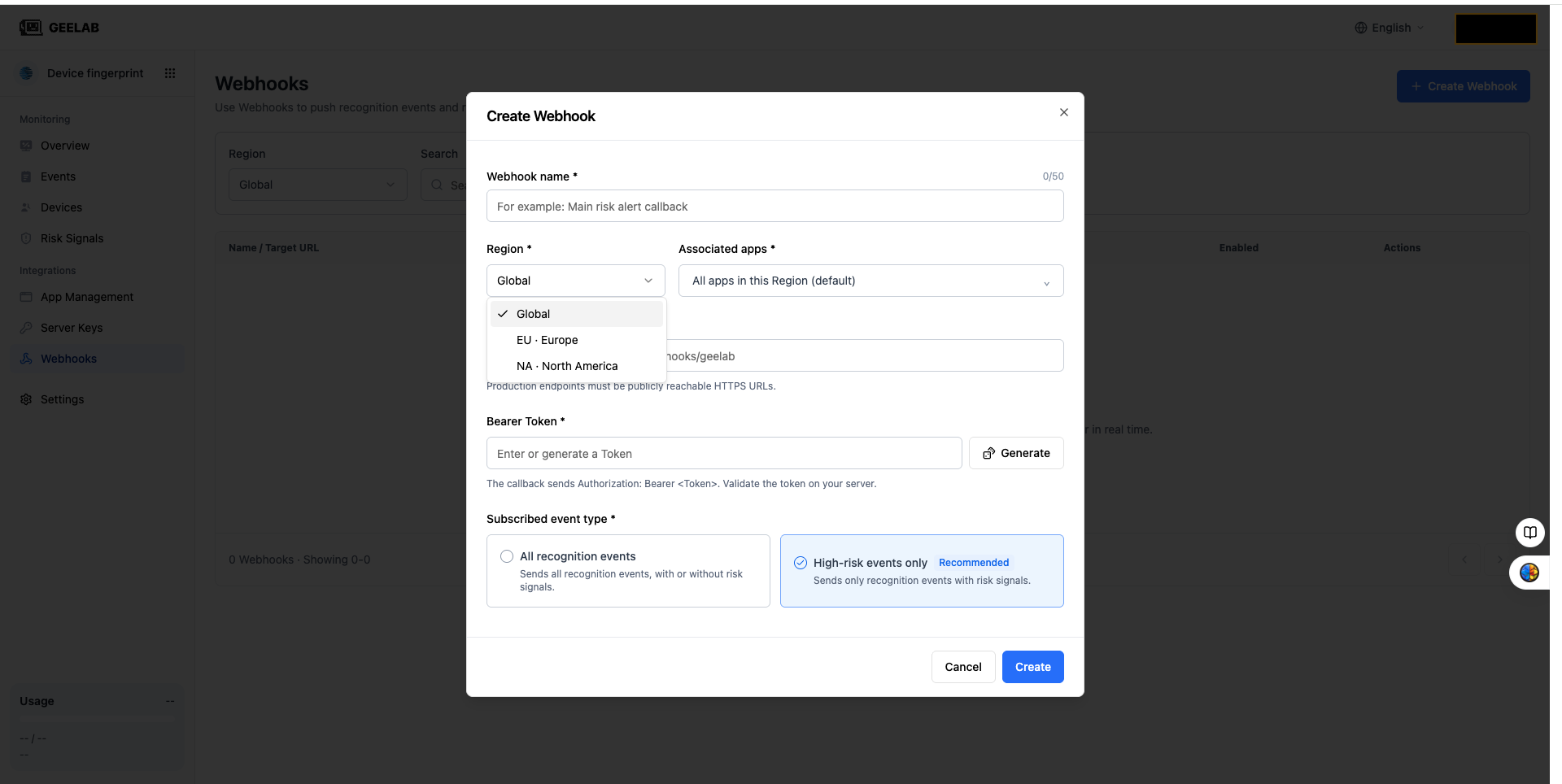
View data in different Regions
Detailed data
Event and device details should be viewed in their respective Regions. When querying a single event or device, you need to enter the corresponding application first.
This ensures:
- The data source area is clear.
- Permission check is consistent with application ownership.
- Events and device information from different Regions will not be merged by mistake.
View the summary data of the current Region
"All apps" in the overview or Risk Signals page only indicates all the apps you have permission to access in the current Region. It will not include data from other Regions within the organization.
Geelab does not provide a unified summary of all Regions under the organization. When you need to view other Regions, please switch to the corresponding Region first, and then view the applications, indicators, and risk signals in that region.
Event details, device details, statistical indicators, server keys, and webhook configurations are always retained within the data scope of their respective Regions and will not be merged across Regions.
How to view data for multi-region services
If your business has created applications in multiple Regions, please view and analyze the data separately by Region:
- First switch to the target Region.
- Select a specific application under the Region, or select "All Applications" under the current Region.
- View overview, risk signals, events and devices within the current Region.
- Reconfirm the application and time range after switching Regions.
The results of different Regions are independent of each other. When you need to conduct cross-region business analysis within the enterprise, please follow the applicable data compliance requirements and internal enterprise authorization processes. Do not interpret console data as organization-level cross-region aggregation.