iOS application signature verification
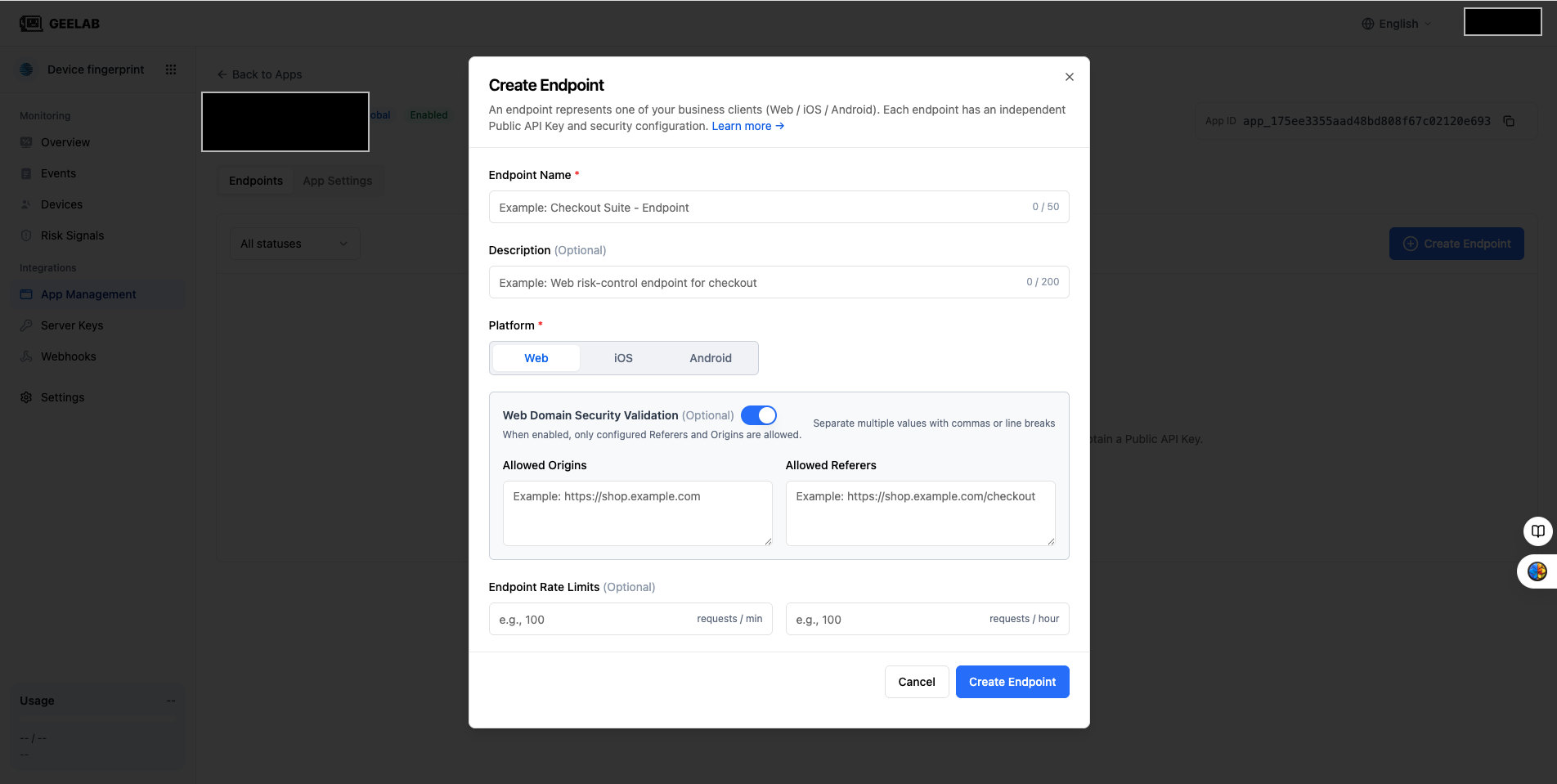
The iOS integration can limit the request source through Bundle ID verification, reducing the risk of Public API Key being stolen or the application being abused after being repackaged.
Bundle ID Rules
Bundle ID should be exactly the same as the actual application configuration, for example:
com. company. appPlease check:
- Whether the characters are case-sensitive.
- Whether the App Store name or display name was filled in incorrectly.
- Whether the beta version and the official version use different Bundle IDs.
- Check whether the Bundle ID configured in the console is consistent with the actual value of the Xcode project.
Required items after enabling verification
Bundle ID is required when App Signature Verification is enabled. Please complete the configuration before saving, otherwise the request may be rejected due to lack of verification information.
It is recommended to verify in the test environment first:
- Turn on verification.
- Fill in the Bundle ID actually used by the test package.
- Build and install the test app.
- Initiate an identification request.
- Confirm that the event occurs normally on the event page.
- Then promote to production configuration.
App repackaging and configuration errors
Application signature verification can help protect against app repackaging and unauthorized application calls, but it cannot replace a complete app security solution.
If the legitimate App request fails, check first:
- Whether the Bundle ID is consistent with the current build.
- Whether Debug, Ad Hoc, TestFlight and Release builds use different configurations.
- Whether to fill in the Bundle ID of other applications into the current integrations.
- Whether the Public API Key of another iOS integration is being used.
- Whether the latest app is rebuilt and installed after modifying the configuration.