Before you begin
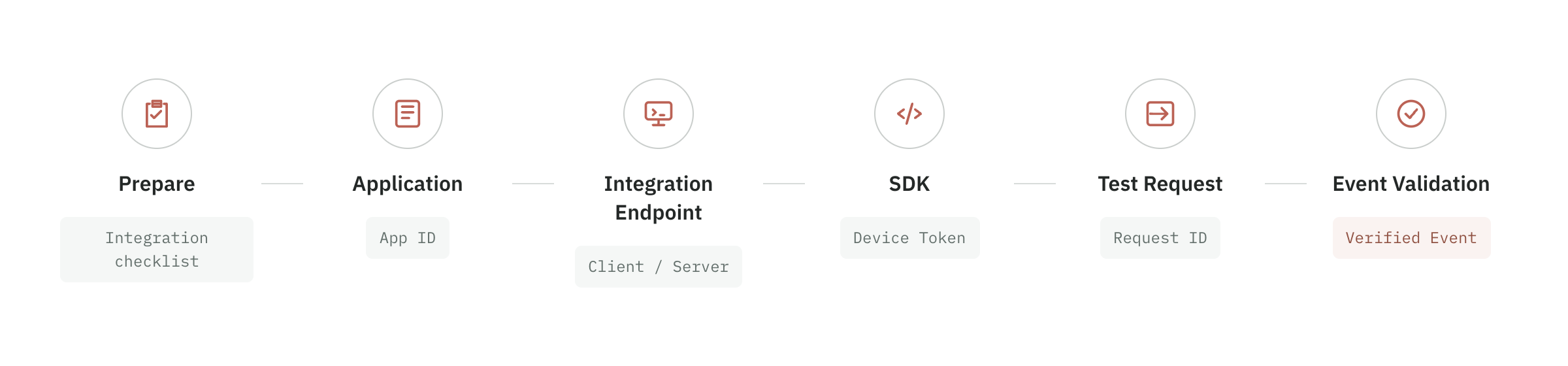
Confirm account and permissions
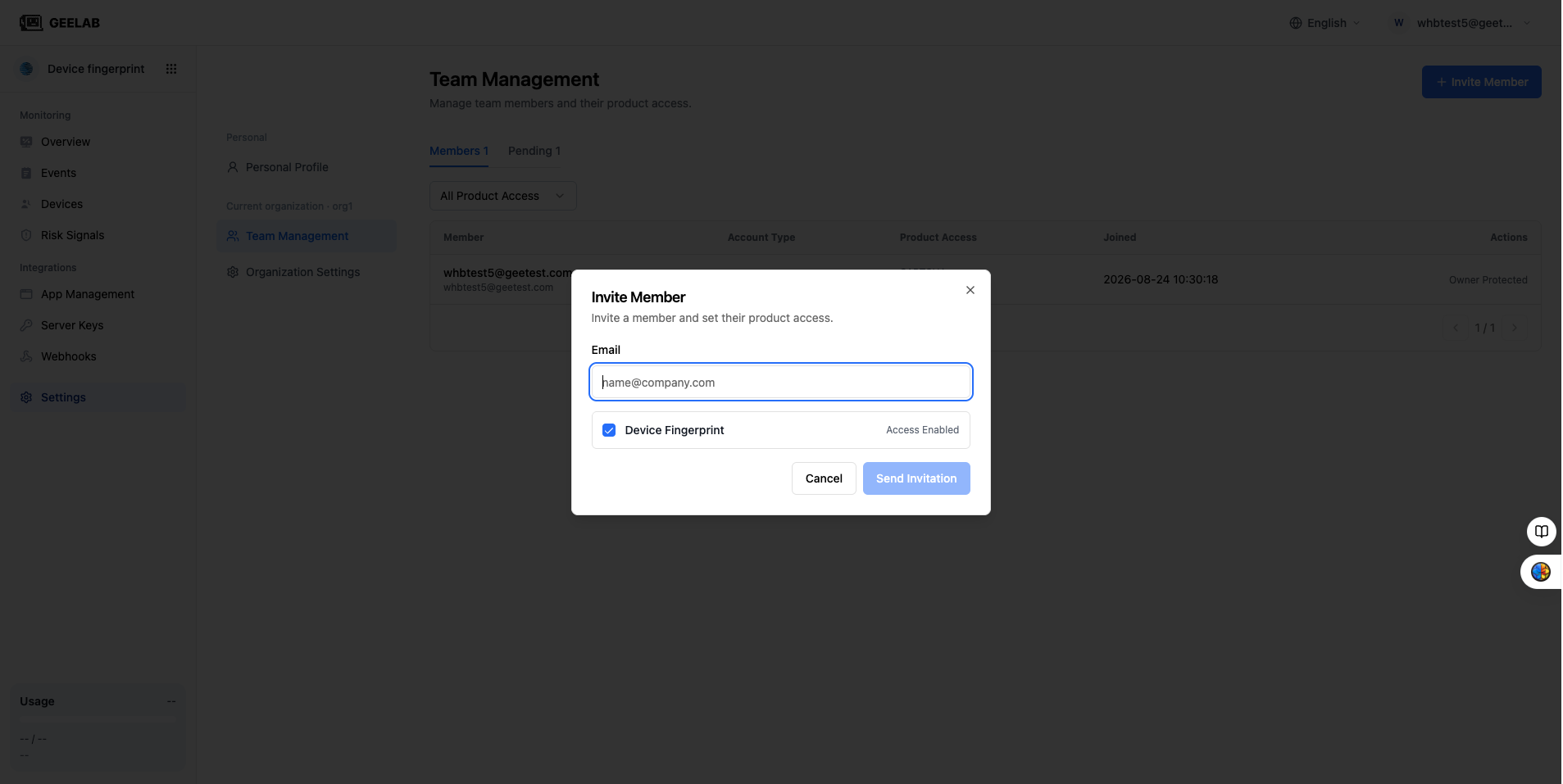
Before starting, please confirm that the current account has joined the target organization and has access to the "Device Fingerprint" product.
| Integration task | Recommended permissions |
|---|---|
| Use applications, integrations, Events, and Devices | Device Fingerprint read-only or read-write access |
| Create or edit applications and integrations | Device Fingerprint read-write access |
| View and copy a Public API Key | Device Fingerprint read-only or read-write access; copying is subject to page-level controls |
| Configure origin validation, app-signature validation, and rate limits | Device Fingerprint read-write access |
| View the first identification event | Device Fingerprint read-only or read-write access |
If the dashboard reports that you do not have product access, ask the organization owner to assign Device Fingerprint access. Read-only access allows you to view data; creating or modifying applications, integrations, and security settings requires read-write access.
Select integration platform
Select the integration platform based on the actual business client:
| Platform | Applicable scenarios | Preparations required before creating an integration |
|---|---|---|
| Web | PC website, mobile web page, H5 | Official domain name, test domain name, protocol and port |
| iOS | Native iPhone or iPad app | Bundle ID; whether to enable app signature verification |
| Android | Native Android application | Package Name, App Signature; whether to enable application signature verification |
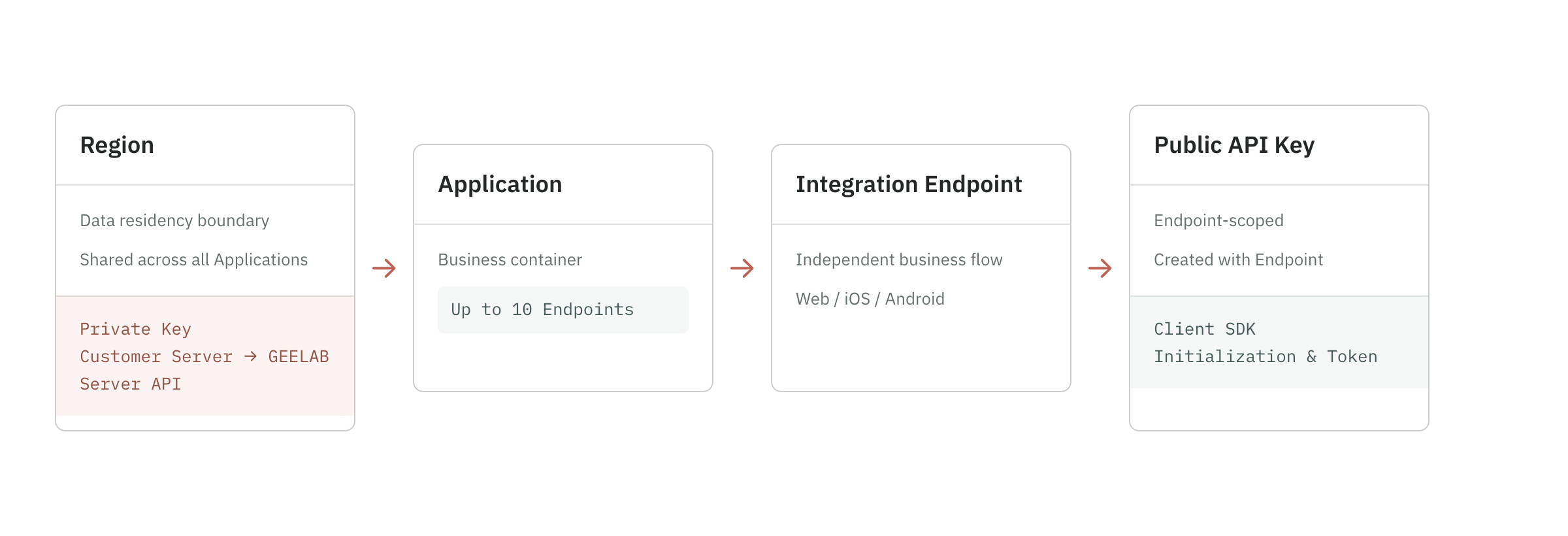
An application can create multiple integrations. For example, the same mall application can create Web, iOS and Android integrations respectively. Each integration has independent Public API Key, security verification and rate-limit settings.
It is recommended to split integrations according to the actual platform and avoid mixing Public API Keys between platforms.
Select Region
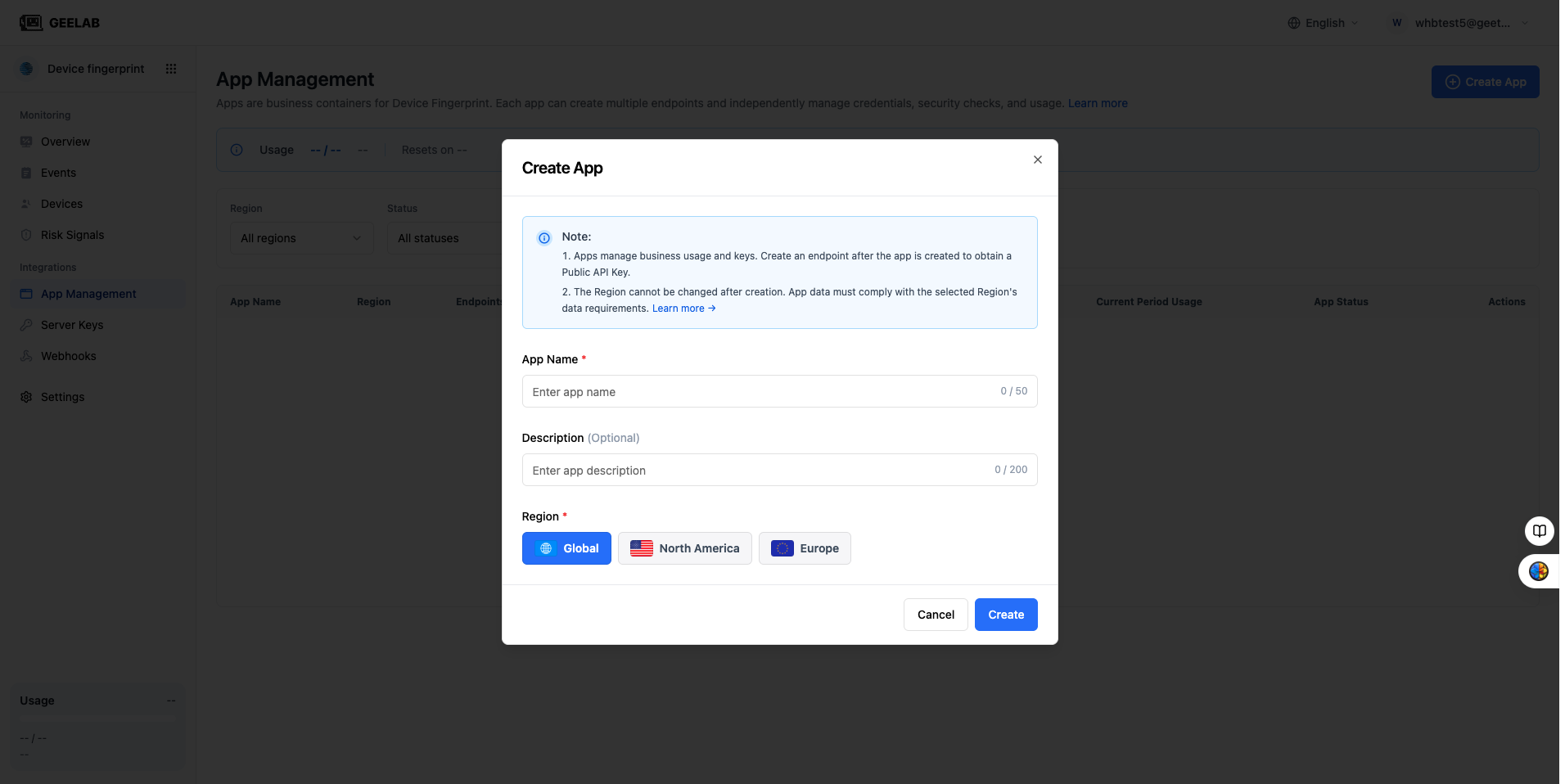
Region determines the storage and calculation area of application data, and is also the isolation boundary between server keys and Webhooks. After the application is created, the Region cannot be modified.
When choosing you should consider:
- Location of business users and data subjects.
- Data residency within the enterprise and cross-border requirements.
- The Region where the server and data processing system are already located.
- Webhooks and applications in the same region that need to be bound later.
- Requirements from corporate legal, security or compliance teams.
The current console may provide EU, NA, Global and other regions. The actual available items and service scope are subject to the console and the official service agreement.
If you are not sure which Region to choose, please consult with your internal compliance manager or Geelab support first, do not choose randomly just for testing purposes. Regions cannot be directly replaced after the official application is created.
Plan applications, integrations and keys
Before creation, it is recommended to conduct simple planning based on business boundaries.
How to divide applications
An application usually corresponds to an independent business project, such as:
- Mall main site.
- Pay for products.
- Marketing campaign platform.
- Mobile banking.
When two businesses require independent statistics, independent quotas, or strict isolation of data, it is recommended to create different applications.
How to divide the integration
An integration corresponds to a specific platform or integration entry point under the application, for example:
- Mall main site - Web.
- Mall Client - iOS.
- Mall Client - Android.
If multiple entrances to the same platform require different source verification or rate-limit policies, they can also be split into multiple integrations.
How to use the key
| Key | Object | Usage location | Whether it can be placed on the client |
|---|---|---|---|
| Public API Key | Integration | SDK initialization | Yes, but source or application signature verification and rate limiting must be configured |
| Server key | Region | Trusted server calls Server API | Not possible |
| Webhook Bearer Token | Webhook | Client server verification callback source | Not possible |
This guide only requires the use of the Public API Key. Do not write Region server keys to web pages, mobile apps, client configuration files, public repositories, or client logs.
Prepare test environment
In order to verify access, please prepare in advance:
- A test project that can be modified and run.
- The build environment corresponding to the platform.
- A network with access to Geelab services.
- A test page or test action used to trigger identification.
- Access to the console events page.
Is the use of the Web local development environment allowed?localhost, as well as the test Origin that needs to be configured, should be based on the SDK and console verification rules. Production environments should use actual HTTPS domain names.