Using the dashboardRisk Signals
What can the Risk Signals page do?
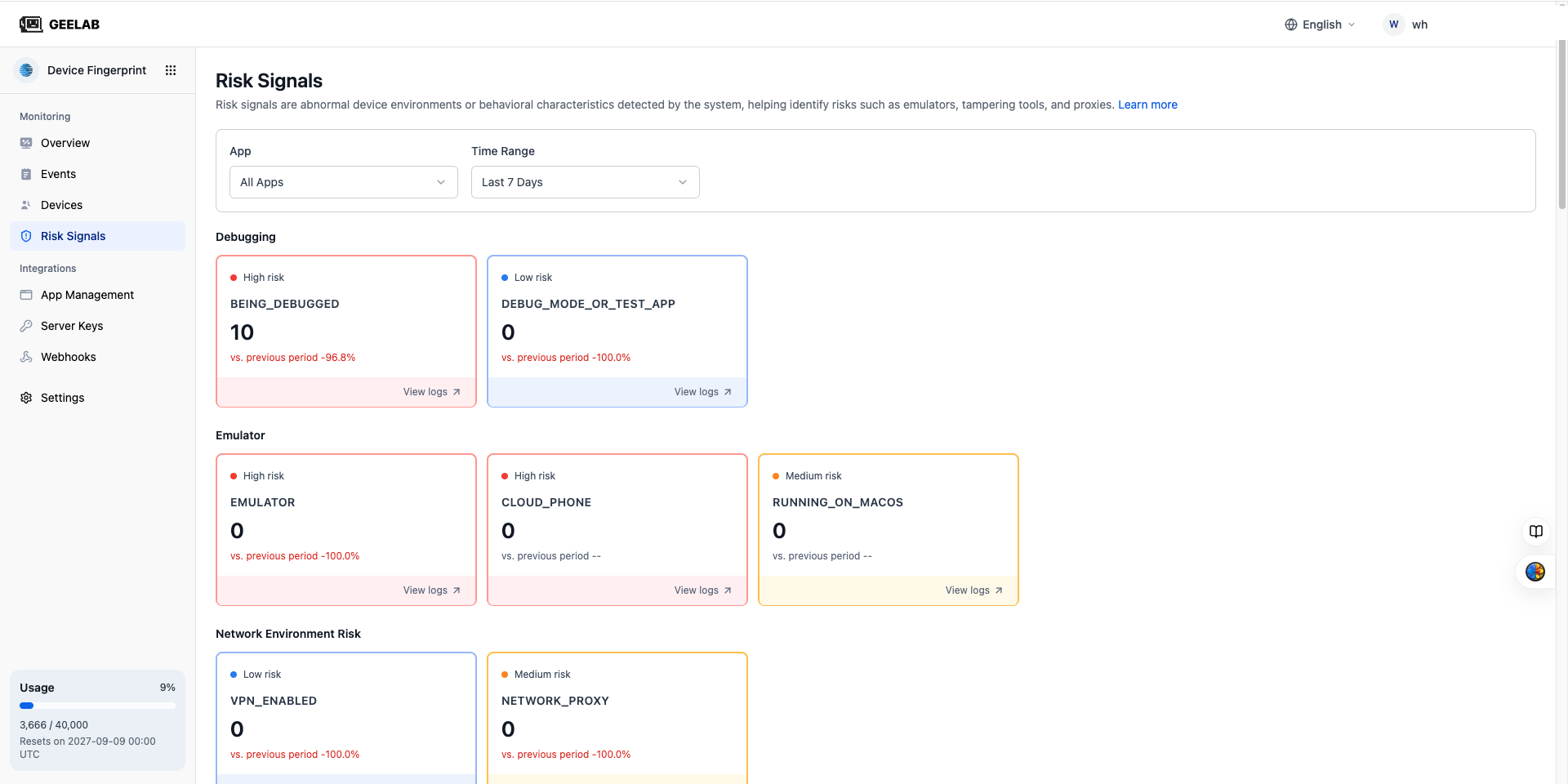
On the Risk Signals page, you can:
- View current application or organization-wide risk signals.
- View the number of triggers of each signal by time range.
- Compare the trend of the current period with the previous period.
- Browse risks by risk level or signal grouping.
- Enter the filtered event list from the signal card.
- Further view related Request ID, Device ID and event details.
Enter through the left navigation of the console:
Device Fingerprint > Risk Signals