Obtain and use the Region server key
Confirm Region and Application
Server keys are managed by Region. Please confirm before opening:
- The current console is in the correct organization.
- Target Region is correct.
- Applications that need to call the Server API belong to this Region.
- Aware of other applications in the same area that may be affected.
Activate or view the key in the console
Enter:
Device Fingerprint > Server KeysSelect the target Region and follow the page prompts to activate or view the server key. The full key should only be displayed and copied briefly in a controlled environment.
If you do not have permission to activate or view it, please contact the organization's organization owner or key administrator.
Configure to server environment variables
Don't write keys directly into source code. It is recommended to use environment variables or the key management service of the cloud platform:
GEELAB_REGION=EU
GEELAB_SECRET_KEY=<YOUR_REGION_SECRET_KEY>
Read the environment variables in the server code and call the corresponding Server API according to the current application and Region. The variable names are only examples, please configure according to your deployment platform and project specifications.
Please check separately when deploying:
- Check whether the correct keys are used in the test environment and production environment.
- Whether the server key is consistent with the application Region.
- Whether the key is written to the build artifact or boot log.
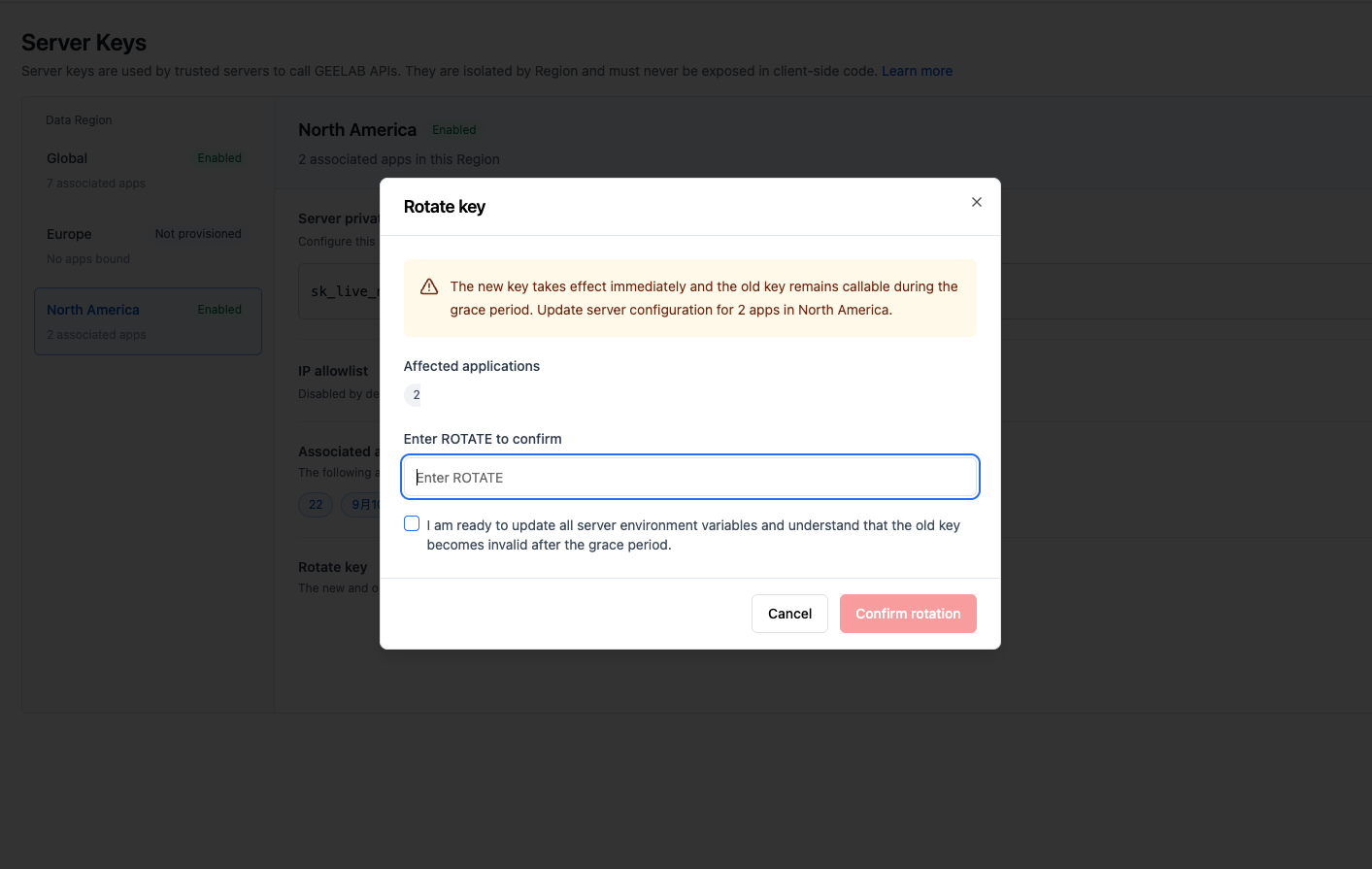
Configure IP whitelist
If your package and service plan supports IP whitelisting, you can restrict which server egress IPs use the Region key.
Please confirm before configuration:
- Fixed egress IP for production services.
- Whether other exits are used for testing, disaster recovery and temporary tasks.
- Whether the proxy, NAT or cloud platform outbound address changes.
- Whether updating the whitelist will affect running instances.
Verify in the test environment first, and then tighten the production whitelist. An incorrect whitelist may cause server-side API authentication to fail.